Launch a Campaign From a Chat, Paused
My agency launches campaigns from a chat now. Everything builds paused. I get one number, the total daily spend, and I say launch or I don't.
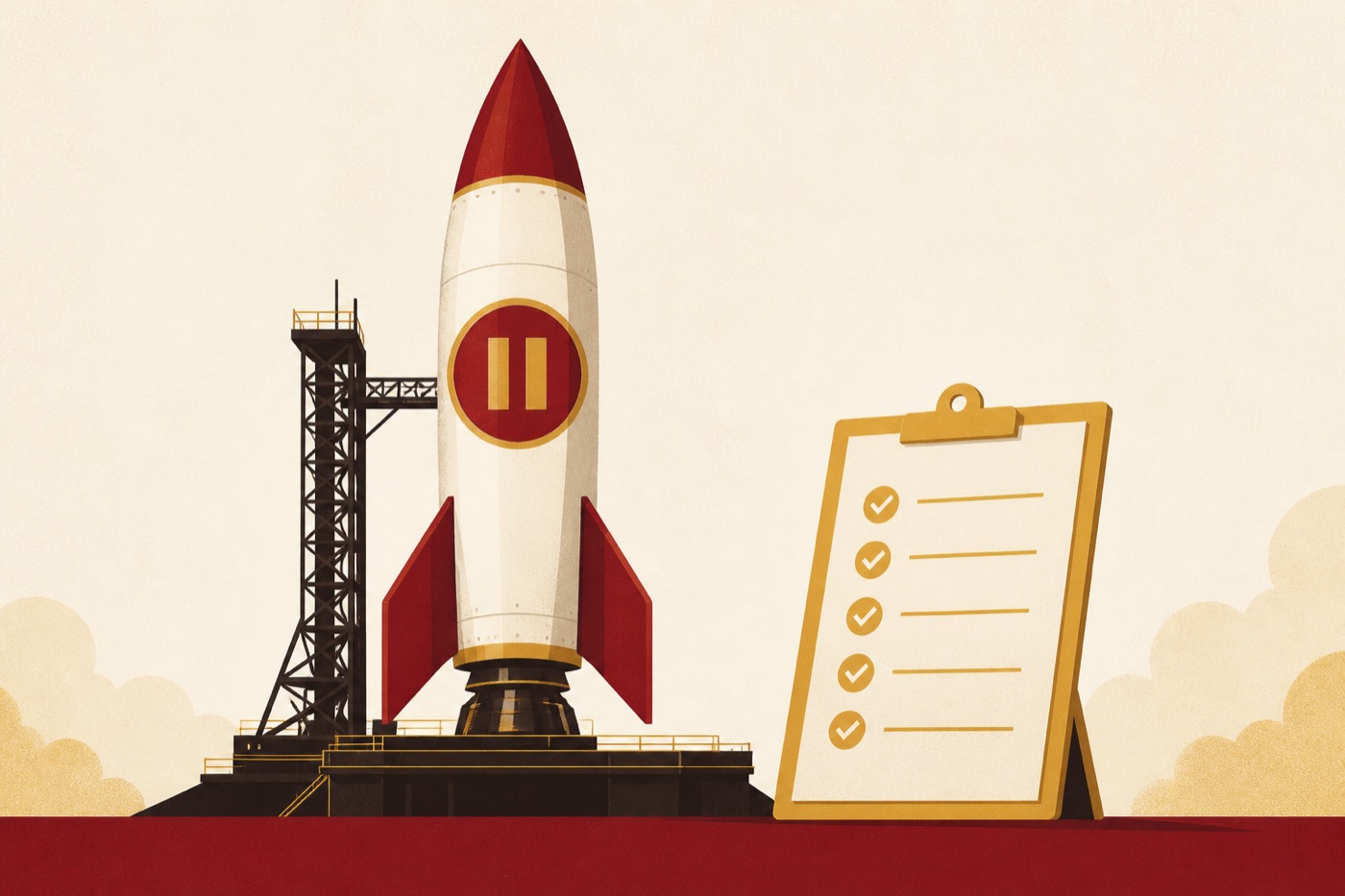
My agency launches ad campaigns from a chat now. Not because it's clever. Because it's safer than clicking through Ads Manager at midnight and hoping.
The agent builds every piece paused. Names everything so it actually reads in a dashboard. Attaches tracking. Then it stops. I get a plan with one number on it, the total daily spend, and nothing turns on until I say the word.
The pre-flight check has caught a broken landing page, a wrong optimization event, and a budget typo that would have cost real money. This skill won't even build the plan if your tracking isn't verified first. That's the correct kind of stubborn.
The three levels
Click through Ads Manager for an hour, forget the UTMs, name the ad set 'New Ad Set 3', and hope the optimization event is right.
Give the skill a brief, get a complete paused campaign with a pre-flight report and one total daily number, and launch it yourself with one word.
Creative tests spin up from the content board on a schedule, launch paused for approval, and the weekly audit decides what scales. Our agents do this every week.
The free skill
It takes a brief, picks the test structure, builds campaign, ad sets, creatives, and ads all paused with proper naming and UTMs, runs the nine-point pre-flight, presents the total daily spend, and launches only on your explicit approval.
---
name: launch-paused-campaign
description: Builds a complete Meta ad campaign from a chat — campaign, ad sets, creatives, ads, naming, UTMs, and a pre-flight checklist — with every entity created PAUSED and nothing turning on until you approve the exact daily spend. Trigger on "launch a campaign", "set up my ads", "build a test campaign", "create a meta campaign".
---

# Launch a Campaign, Paused

The safe way to let AI build ads: it builds everything, it turns on nothing. You review a
plan with a total daily number on it, and only your explicit "launch" flips the switch.

## Before you start (connector-first)

You need write access to the ad account through Meta's official ads connector
(mcp.facebook.com/ads — permissions are set per account in Business Suite; grant only
what this needs) or an equivalent connected ads tool. Also required before any build:
- Tracking verified (see the tracking-truth-check skill) — an ad set optimized toward a
  broken conversion event is money on fire.
- Approved creative files and approved copy from the human. You never launch copy the
  human hasn't read.
If anything is missing, stop and say exactly what's needed. No placeholder builds.

## Step 1: The brief (ask, don't assume)

Offer · objective (leads / sales / traffic) · destination URL · creative files · daily
budget (default $15–20 per ad set for a test) · test window (default 7 days) ·
audience approach · the conversion event to optimize toward. Echo the brief back and
confirm before creating anything.

## Step 2: Pick the test structure

- **Audience test:** 1 campaign, 3 ad sets with different audiences, same creative.
- **Creative test:** 1 campaign, 1 ad set, 3–5 ads with different creatives.
- **Copy test:** same creative, 3 copy variants.
- **Full launch:** 3 audiences × 3 creatives.
One variable per test unless it's a full launch. State which variable this test isolates.

Naming that reads in a dashboard: `Campaign: [date] [offer] – [test type]` /
`Ad set: [audience] – $[budget]/day` / `Ad: [creative] – [copy variant]`.

## Step 3: Build everything PAUSED

Campaign → ad sets → upload creative → ad creatives → ads, in that order, every one
with status paused. Turn platform "creative enhancements" off — auto-transforms garble
text and drift off-brand. Append UTMs to every destination so results are attributable:
source, medium, campaign, ad set, and ad name via the platform's dynamic macros.
Log every created entity id to a plan file.

## Step 4: Audiences

Cold: lookalikes seeded from real buyers, plus a broad control. Warm: site visitors,
video viewers, engagers — split by recency, weight budget to the last 30 days. Always
exclude existing customers from cold prospecting.

## Step 5: Pre-flight (every line must pass)

- All entities paused
- Destination URL returns 200 and matches the ad's promise
- UTMs present and correct
- Creative dimensions right for placements
- Copy within character limits and approved by the human
- Budget math: $X/day × N ad sets = $Z/day total, stated plainly
- Optimization event = the verified conversion
- Audience sizes sane
- Any special ad category declared if the offer requires it

## Step 6: Launch on explicit approval only

Present the plan and the total daily spend. Warn loudly above $100/day. Only on a clear
"launch" from the human: enable campaign, then ad sets, then ads, pausing a couple of
seconds between calls. Then tell them the 48–72 hour check-in and hand off to the
weekly audit.

## Never

- Never create anything active. Never raise a budget. Never launch unread copy.
- Never optimize toward raw clicks or CTR when a conversion event exists.
Want your ads run this way every week?
Building is half of it; the weekly audit and scaling decisions are the other half. Inside the AI CEO Lab I teach the full ads loop run by agents. Or my agency runs it for you.